
AI Image Editor Online Free
Ready for Generating
Every Photo Editing Tool You Need, Powered by AI
One AI image editor replaces an entire design toolkit. Upload a photo, pick a tool, and let AI handle the heavy lifting.
Smart Photo Enhancement
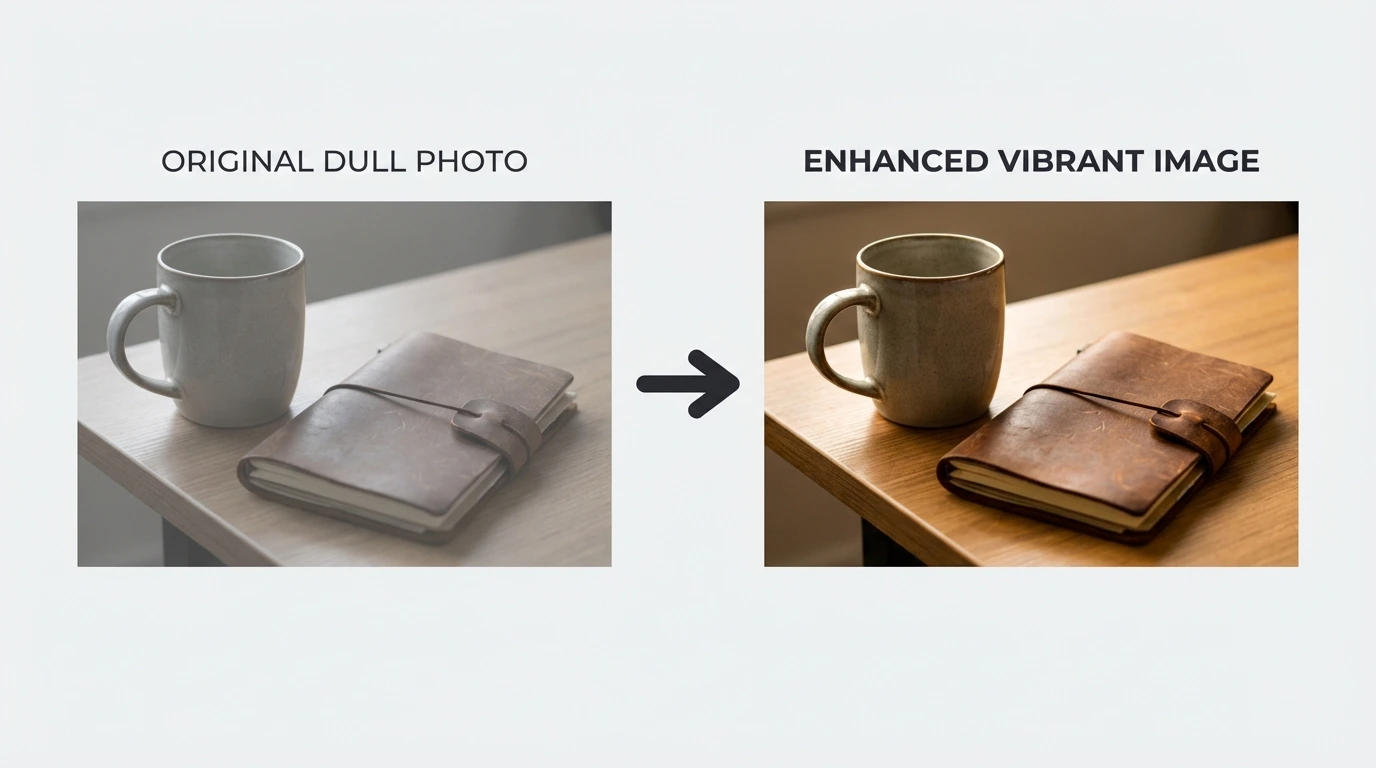
Our AI image editor analyzes lighting, exposure, and color in your photo, then applies intelligent corrections automatically. Fix underexposed shots, balance white levels, and sharpen soft details - all in a single click.
One-Click Style Makeover
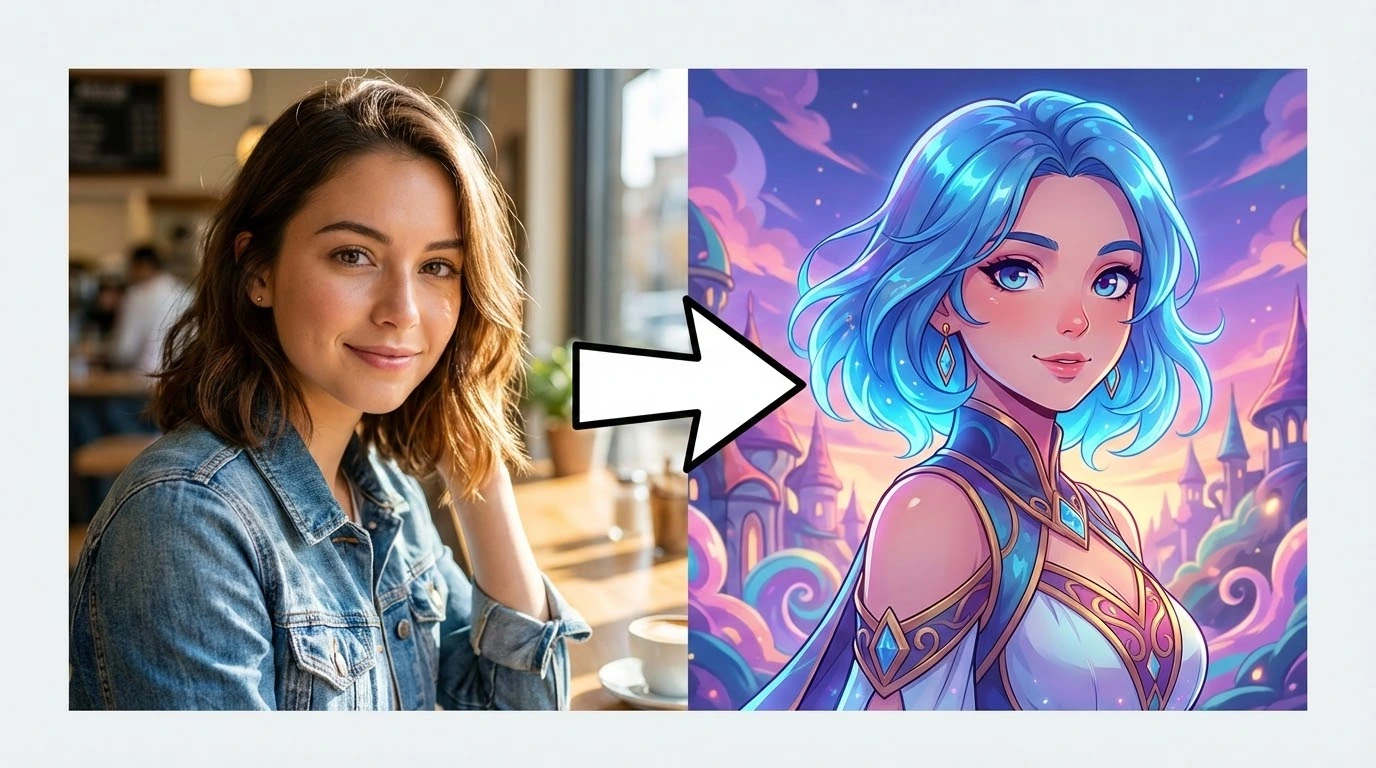
Turn everyday photos into art. Apply oil painting, watercolor, anime, cyberpunk, vintage film, and dozens more styles. The AI preserves your composition while completely reimagining the visual aesthetic.
Realistic Face Swap
Blend faces between two photos with natural skin tone matching, shadow alignment, and expression preservation. Our AI photo editor handles complex angles and lighting differences for seamless results.
Damaged Photo Repair
Rescue scratched, torn, or faded photographs. The AI image editor reconstructs missing areas, removes blemishes, and restores original color vibrancy to bring old memories back to life.
HD Upscaling
Enlarge low-resolution images up to 4x without blur or pixelation. Our AI photo editor fills in fine details intelligently, producing crisp, print-ready results from small source files.
Precision Background Removal
Isolate subjects with pixel-perfect accuracy - even around hair, fur, and transparent edges. Export with a transparent background or swap in a new scene instantly.
Watermark & Text Eraser
Remove watermarks, logos, date stamps, and text overlays cleanly. The AI reconstructs the underlying image content so the edit looks completely natural.
Unwanted Object Removal
Select any person, object, or distraction and erase it from the frame. The AI image editor fills the gap with matching background texture, perspective, and lighting.
Black & White to Color
Add realistic color to grayscale and black-and-white photos. Our AI photo editor understands context - sky becomes blue, grass turns green, and skin tones look natural without manual selection.
AI Portrait Retouching
Smooth skin, brighten eyes, whiten teeth, and refine facial features while keeping the photo looking authentic. Professional headshot quality from any selfie.
Anime & Cartoon Converter
Transform real photos into anime portraits, cartoon illustrations, or comic-book panels. Choose from multiple animation styles and let the AI handle character rendering.
Batch Processing
Edit multiple photos at once with consistent settings. Apply the same enhancement, resize, or style across an entire folder - ideal for e-commerce product shots and event photography.
Why Creators Switch to Our AI Image Editor
Traditional photo editors demand hours of learning. Ours delivers professional results the moment you upload.
Zero Learning Curve
Forget layers, masks, and adjustment panels. Our AI image editor understands what you want from a single action - upload, choose a tool, and the AI applies expert-level edits automatically. First-time users get the same quality as seasoned designers.
12+ Editing Tools in One Place
Stop juggling between apps for different tasks. Enhance, retouch, restyle, upscale, remove backgrounds, erase objects, swap faces, colorize, and more - all inside a single AI photo editor. One upload, unlimited possibilities.
Results in Seconds, Not Hours
Every edit completes in under 30 seconds. What used to take an experienced Photoshop user 20 minutes - background removal, portrait retouching, color correction - our AI image editor finishes before you can grab your coffee.
Works Entirely in Your Browser
No downloads, no installations, no system requirements. Our online AI image editor runs on any device with a browser - Mac, Windows, Chromebook, tablet, or phone. Your photos never leave the cloud pipeline.
Commercial-Ready Output
Every edited photo exports at full resolution with no watermarks on paid plans. Use your results for client deliverables, product listings, ad campaigns, social posts, and print materials without restrictions.
Privacy-First Processing
Uploaded photos are processed in isolated cloud sessions and automatically deleted after editing. We never use your images for training, and all transfers are encrypted end-to-end.
Edit Any Photo in 3 Simple Steps
No account needed to start. Upload, edit, and download - it really is that straightforward.
Step 1: Upload Your Photo
Drag and drop any JPG, PNG, or WEBP file into the AI image editor. Supports photos up to 50 MP and files up to 50 MB on premium plans.
Step 2: Pick an AI Editing Tool
Choose from 12+ tools - enhance, restyle, remove background, swap face, upscale, retouch portrait, erase objects, colorize, and more. Each tool runs independently so you can stack edits.
Step 3: Download Your Edited Photo
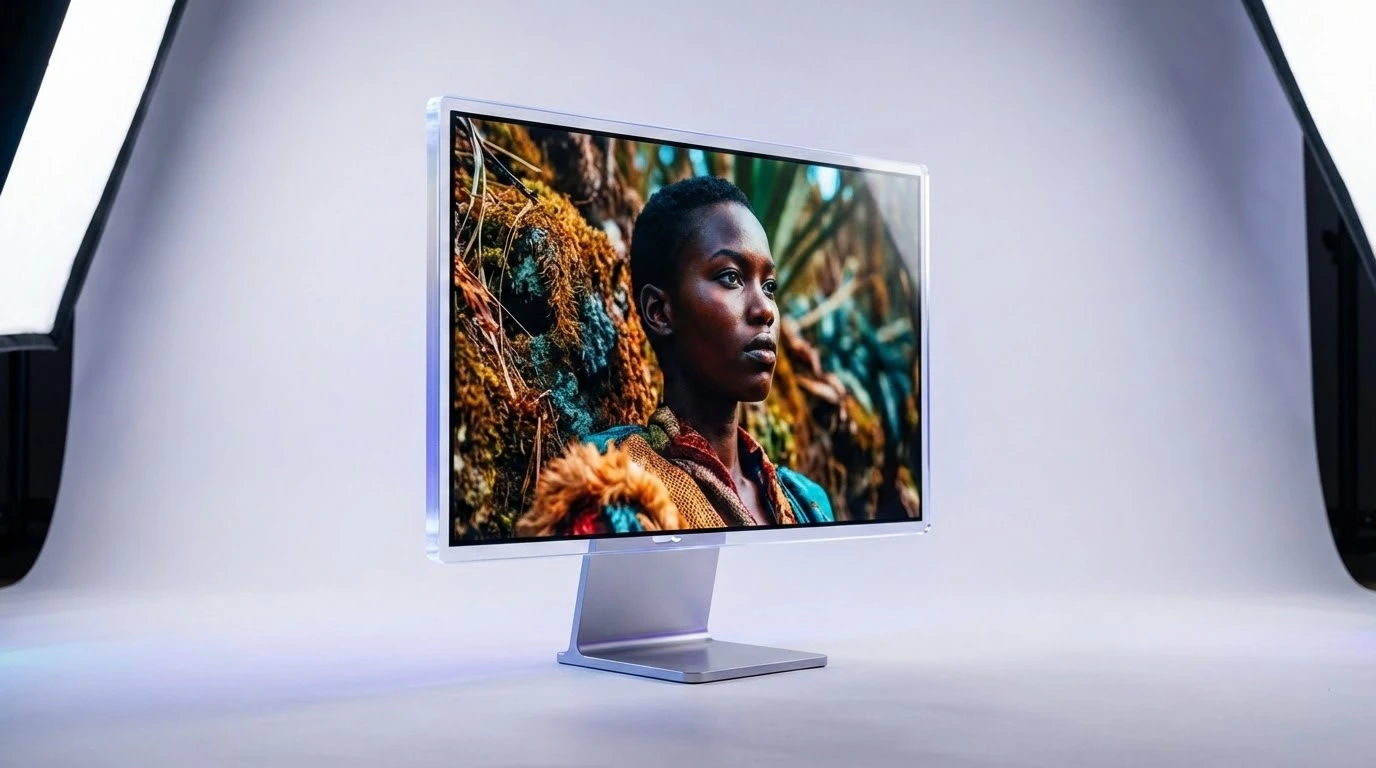
Preview the result, then download in PNG, JPG, or WEBP at full resolution. Re-edit or try a different tool on the same photo anytime - no re-upload required.
AI Image Editor - Frequently Asked Questions
Everything you need to know about editing photos with AI.