
Unblur Image
Ready for Generating
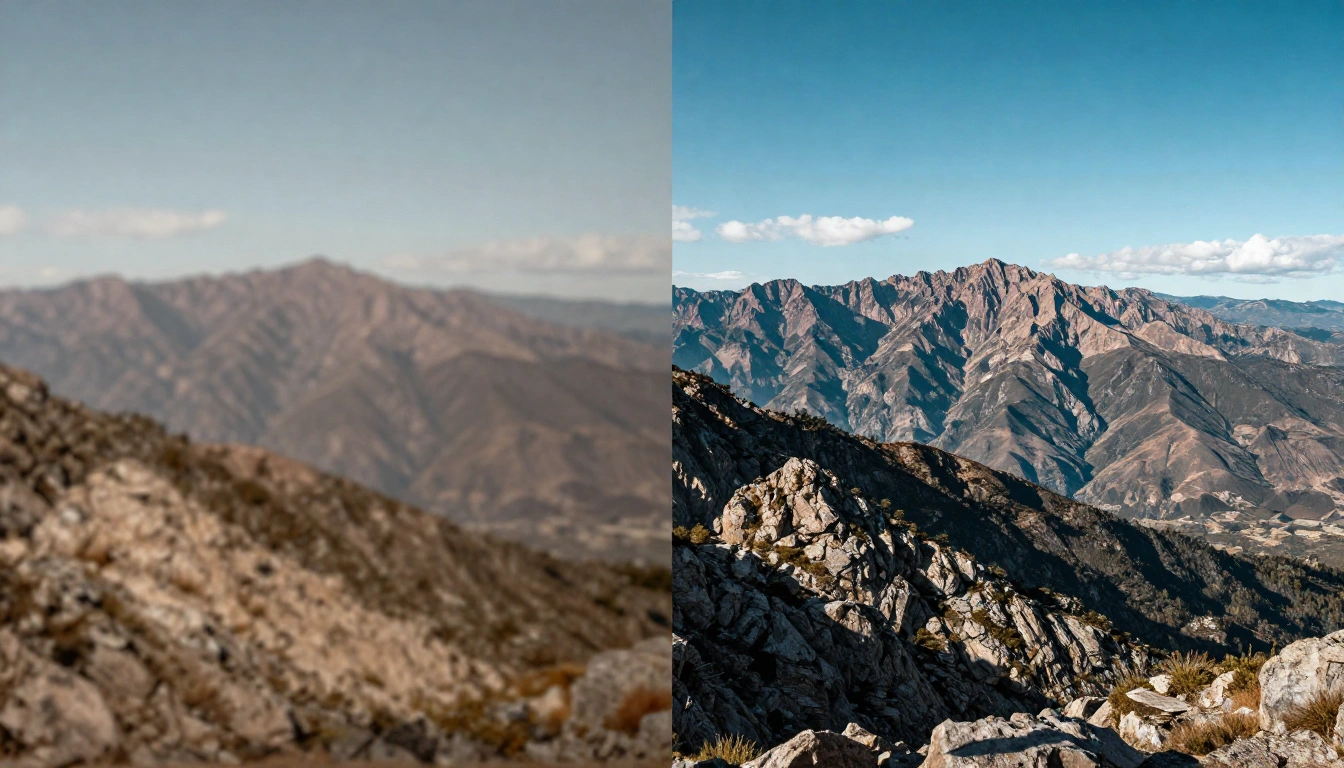
How AI Image Unblurring Works
Our Unblur Image tool analyzes your blurry photo, identifies blur patterns, and applies advanced deblurring algorithms to restore sharpness and detail.
Intelligent Blur Detection
The Unblur Image tool examines your photo to identify different types of blur including motion blur, focus blur, and Gaussian blur. It understands the blur patterns and determines the best restoration approach for your specific image.
Advanced Deblurring Processing
Once blur patterns are identified, the Unblur Image tool uses deep learning models trained on millions of sharp and blurry image pairs. It reconstructs missing details, sharpens edges, and restores textures that were lost due to blur.
Detail Enhancement and Refinement
The Unblur Image tool enhances fine details, optimizes contrast, and reduces noise while maintaining a natural appearance. It ensures your unblurred photo looks sharp without introducing artifacts or over-sharpening effects.
Why Use Our Unblur Image Tool
A specialized Unblur Image tool that restores clarity to blurry photos accurately without artifacts or over-processing.
Handles Multiple Blur Types
The Unblur Image tool fixes motion blur from camera shake, focus blur from missed focus, and general blur from low light conditions. It adapts to different blur patterns and photo types automatically.
Natural Sharpening Results
Unlike simple sharpening filters that create halos and artifacts, our Unblur Image tool produces natural-looking results. The restored details look authentic and realistic, not artificially enhanced.
Works on All Photo Types
The Unblur Image tool handles portraits, action shots, landscapes, product photos, text documents, and more. It recognizes different content and applies appropriate deblurring techniques for each.
Fast Processing
Most images are unblurred in under 20 seconds. The Unblur Image tool processes photos on powerful GPU servers, delivering sharp results quickly even with severe blur.
Privacy Protected
Your uploaded photos are encrypted during transfer and automatically deleted after processing. We never store, share, or use your images for training purposes.
Free to Try
Start unblurring images for free with no account required. Free users get daily credits to fix blurry photos. Upgrade for higher limits and priority processing.
Unblur Images in 3 Steps with AI
Fix your blurry photos with a simple process.
Upload Blurry Photo
Drag and drop or click to upload the blurry image you want to fix. Supports JPG, PNG, and WEBP formats up to 10MB.
AI Unblurs Automatically
The AI analyzes blur patterns, applies deblurring algorithms, restores sharpness, and enhances fine details automatically. No manual adjustments needed.
Download Sharp Image
Preview the unblurred result and download your sharp, clear photo. The output maintains natural appearance with restored clarity and detail.
What Users Say About Unblur Image
Real feedback from people who use our Unblur Image tool.
I had some amazing moments captured but they were blurry due to camera shake. This tool saved those photos. The results are sharp and look natural. Impressive technology.
Sarah M., Photographer
Sarah M.
Photographer
Motion blur ruined some of my best travel shots. This AI fixed them beautifully. The sharpness restoration is excellent and the photos look professional now.
David L., Travel Blogger
David L.
Travel Blogger
Kids move fast and I ended up with lots of blurry photos. This tool made them clear again. So happy to have sharp memories of these precious moments.
Emily R., Parent
Emily R.
Parent
Some property photos came out blurry. This tool fixed them quickly and the results look great in my listings. Very useful for my business.
James T., Real Estate Agent
James T.
Real Estate Agent
I had accidentally blurry shots from a photoshoot. This AI restored them perfectly. The sharpness looks authentic and natural, not artificial.
Nicole P., Content Creator
Nicole P.
Content Creator
Some product photos were slightly out of focus. This tool sharpened them beautifully. The product details are now clear and the photos look more professional.
Alex K., E-commerce Owner
Alex K.
E-commerce Owner
Frequently Asked Questions
Common questions about the Unblur Image tool.
Try Unblur Image — Free to Start
Upload a blurry photo and the Unblur Image tool delivers sharp results in seconds. No signup needed for your first unblur.