
Photo to Sketch
Ready for Generating
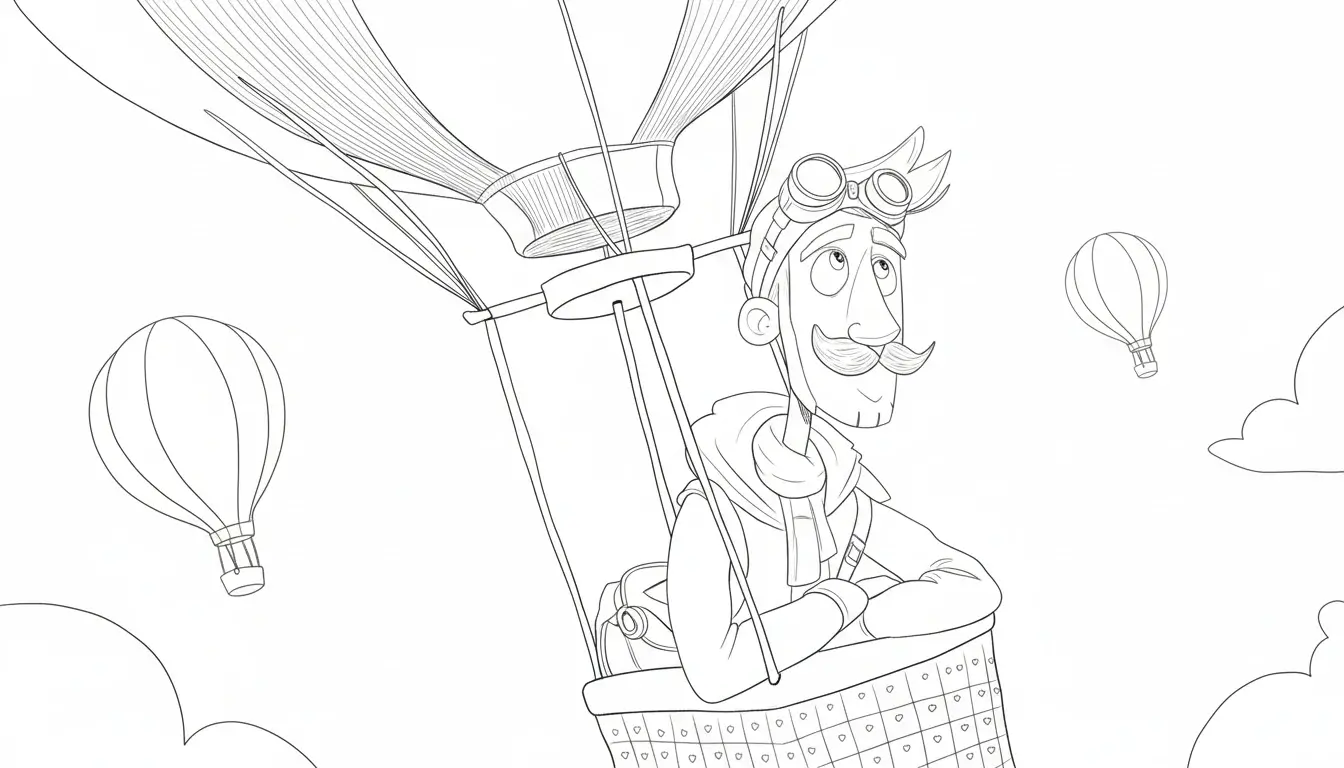
How Photo to Sketch AI Works
Our AI Photo to Sketch converter analyzes your photo and applies artistic transformations to create stunning sketch-style artwork.
Intelligent Photo Analysis
The Photo to Sketch AI examines your photo to understand contours, shadows, textures, and composition. It identifies key elements that need to be emphasized and preserved during the sketch transformation process.
Artistic Style Application
Once analysis is complete, the Photo to Sketch AI applies advanced artistic algorithms to transform your photo. It extracts edges, creates natural stroke effects, adds sketch-style shading and highlights while maintaining the essence of the photo.
Quality Enhancement and Refinement
The Photo to Sketch AI refines the result to ensure professional quality. It optimizes line weight, adjusts contrast, and enhances details to deliver a polished sketch artwork that looks hand-drawn by a professional artist.
Why Choose Our Photo to Sketch Tool?
Experience the most advanced AI technology to transform your photos into professional-quality sketch art.
Multiple Sketch Styles
Choose from pencil sketch, charcoal drawing, pen sketch, or hand-drawn styles to find the perfect artistic effect for your photo. Each style is carefully tuned to provide authentic hand-drawn results.
Preserve Photo Details
Our AI intelligently preserves important facial features and details during conversion, ensuring the sketch artwork is both artistic and accurately reflects the characteristics of the original photo.
Instant Processing
No waiting required. Our Photo to Sketch AI processes your images in seconds, allowing you to see results immediately and make adjustments as needed.
High-Resolution Output
Get high-quality sketch images suitable for printing and professional use. Our AI generates clear, detailed sketches that can be enlarged without losing quality.
Easy to Use
No artistic skills or complex software needed. Simply upload a photo, choose a sketch style, and let AI do the rest. Anyone can create professional sketches in minutes.
Batch Processing
Need to convert multiple photos? Our batch processing feature lets you upload and convert multiple images at once, saving time and effort.
How to Use Photo to Sketch
Convert your photos into beautiful sketch art in just three simple steps.

Upload Photo
Select the photo you want to convert to sketch. Supports JPG, PNG, and WEBP formats. You can upload portraits, landscapes, or any type of photo.

Choose Sketch Style
Select from multiple sketch styles: pencil sketch, charcoal drawing, pen sketch, or hand-drawn style. Each style offers unique artistic effects.

Download Sketch Artwork
After AI processing is complete, preview your sketch artwork. When satisfied, download in high resolution for printing, sharing, or as a gift.
User Reviews
See how other users are creating amazing artwork with our Photo to Sketch tool.
As a photographer, I'm always looking for new ways to showcase my work. This Photo to Sketch tool allows me to offer unique artistic versions to my clients. The sketch effects are incredibly realistic and look hand-drawn!
Michael Zhang, Photographer
Michael Zhang
Photographer
I use this tool to create sketch effects for my design projects. It saves me tons of time and the results are always impressive. The variety of sketch styles lets me choose the perfect effect for different projects.
Sarah Li, Graphic Designer
Sarah Li
Graphic Designer
I have no drawing skills but always wanted sketch versions of family photos. This tool made my dream come true! I printed the sketches and framed them, now hanging in my living room. Everyone thinks they were drawn by a professional artist.
David Wang, Art Enthusiast
David Wang
Art Enthusiast
I use this tool to create sketch effects for my art projects. It saves me tons of time and the results are always impressive. The variety of sketch styles lets me choose the perfect effect for different projects.
Emily Chen, Artist
Emily Chen
Artist
I use this tool to create sketch effects for my art projects. It saves me tons of time and the results are always impressive. The variety of sketch styles lets me choose the perfect effect for different projects.
James Li, Artist
James Li
Artist
I use this tool to create sketch effects for my art projects. It saves me tons of time and the results are always impressive. The variety of sketch styles lets me choose the perfect effect for different projects.
James Li, Artist
James Li
Artist
Frequently Asked Questions
Common questions about the Photo to Sketch tool.
Try Photo to Sketch — Free to Start
Upload a photo and turn it into stunning sketch art in seconds. No signup needed for your first conversion.