
AI Photo Colorizer
Ready for Generating
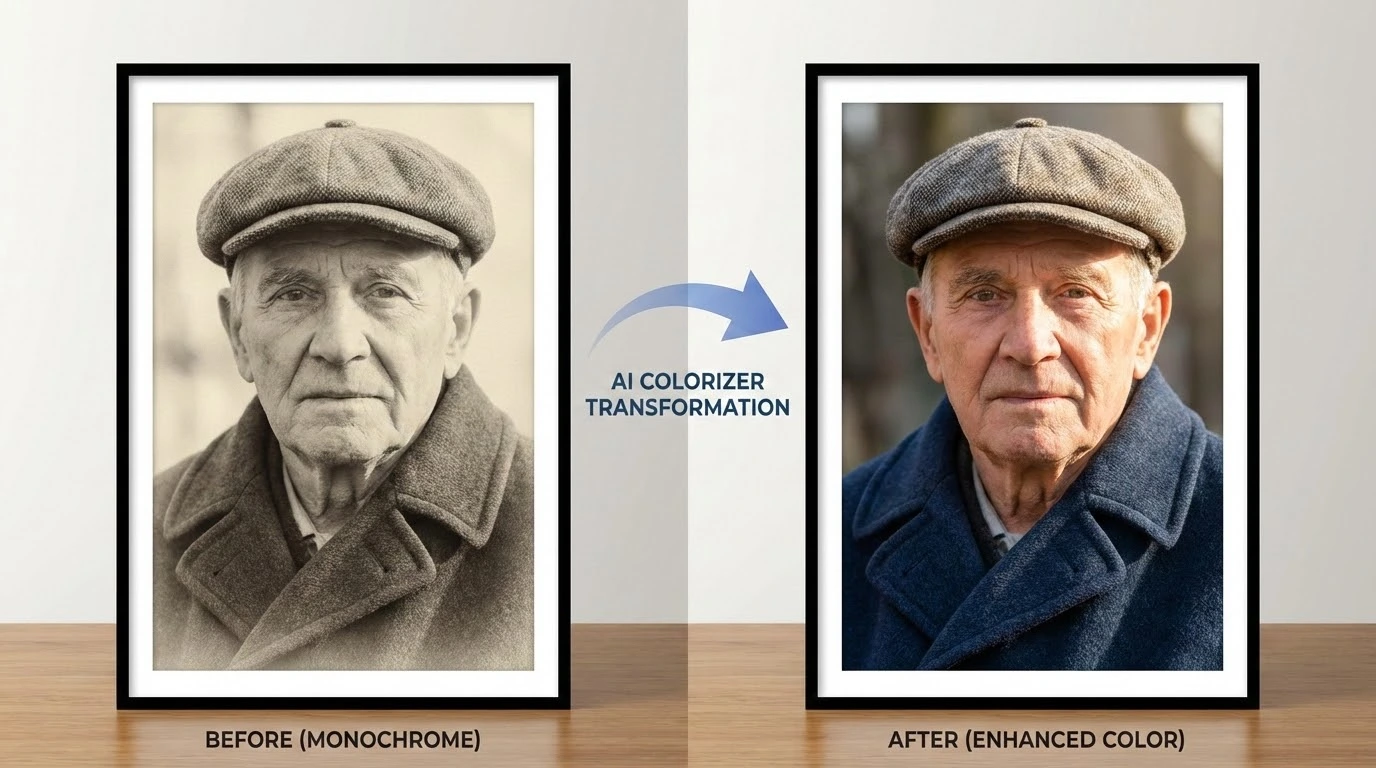
How AI Photo Colorization Works
Our AI Photo Colorizer analyzes grayscale images, identifies objects and scenes, and applies historically and contextually accurate colors.
Intelligent Scene Recognition
The AI Photo Colorizer scans your black and white image to identify objects, people, landscapes, and textures. It understands the context of each element — sky, skin, foliage, clothing — to determine the most accurate and natural colors to apply.
Realistic Color Mapping
Once the scene is analyzed, the AI Photo Colorizer maps realistic colors to each region using deep learning models trained on millions of color photographs. Skin tones, natural landscapes, and man-made objects all receive contextually appropriate colors.
Detail Preservation
The AI Photo Colorizer preserves the original resolution, contrast, and fine details of your image. Textures, edges, and subtle gradients remain intact while vibrant, natural colors are seamlessly blended into the grayscale original.
Why Use Our AI Photo Colorizer
The fastest and most accurate way to add color to black and white photos.
Instant Colorization
Upload a black and white photo and get a fully colorized result in seconds. No manual color picking, no layer masking — the AI Photo Colorizer handles everything automatically.
Historically Accurate Colors
Our AI is trained on diverse datasets spanning different eras and regions, producing colors that are historically plausible for vintage and archival photographs.
Works with Any Photo
Whether it's a family portrait from the 1940s, a landscape shot, or a scanned document, the AI Photo Colorizer adapts to any type of grayscale image and delivers natural-looking results.
High Resolution Output
Get colorized images in the same resolution as your original upload. No quality loss, no compression artifacts — just clean, vibrant color added to your black and white photos.
No Software Installation
Everything runs in your browser. No downloads, no plugins, no desktop software needed. Upload your grayscale image, colorize it, and download the result.
Free to Start
Try the AI Photo Colorizer with no account required. Free users get daily credits to process images. Upgrade for higher limits and priority processing.
How to Colorize Black and White Photos
Three simple steps to transform your grayscale images into color.
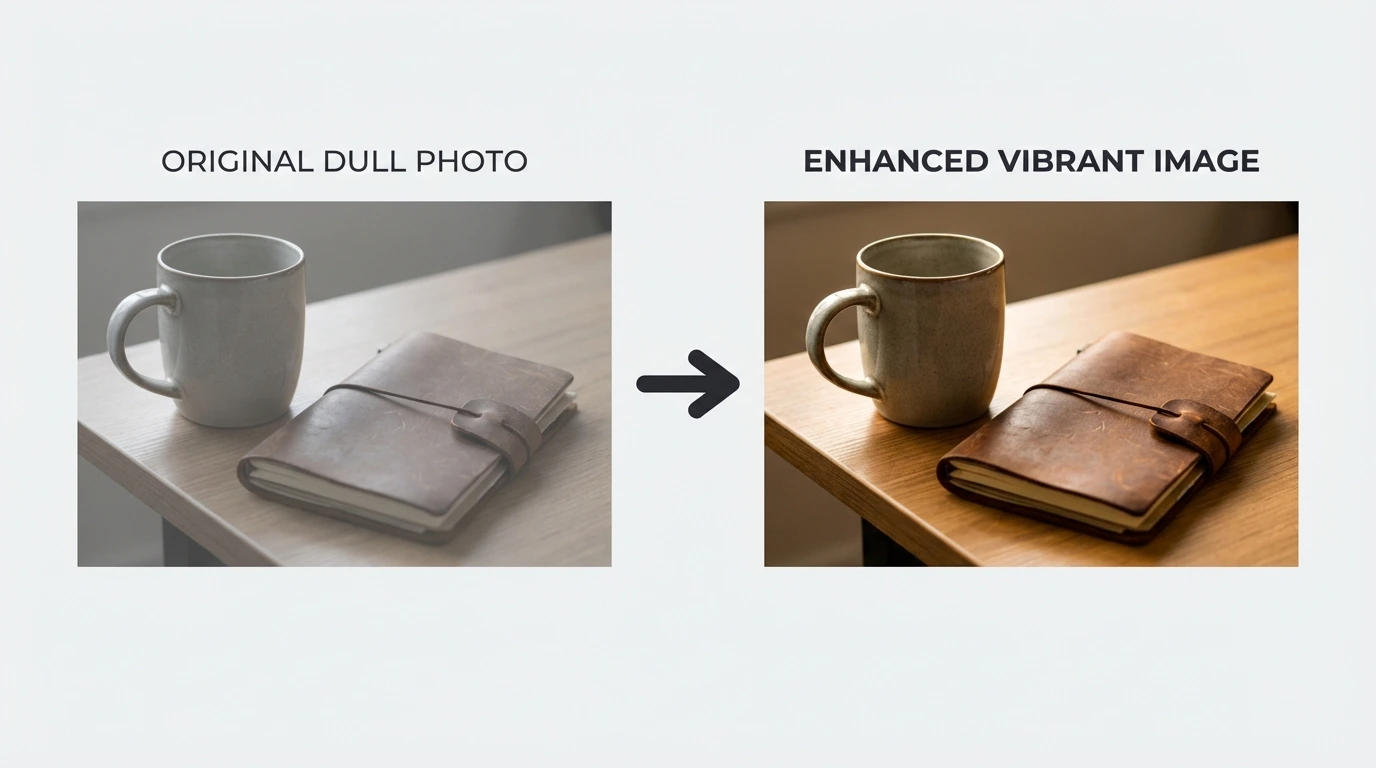
Upload Your Photo
Drag and drop or click to upload your black and white photo. Supports JPG, PNG, and WEBP formats up to 10MB for free users.
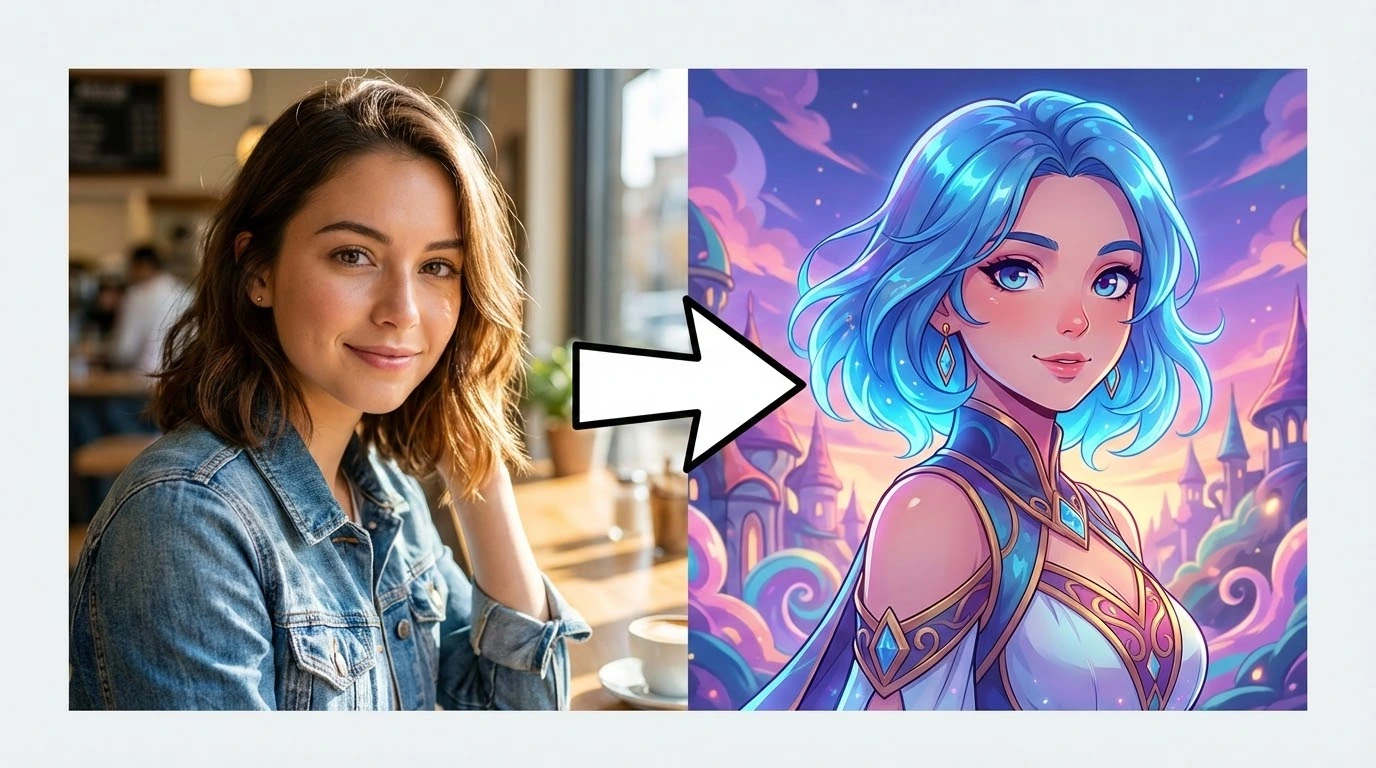
AI Colorization
The AI Photo Colorizer analyzes the image, identifies objects and scenes, and applies realistic colors automatically. Processing completes in seconds.
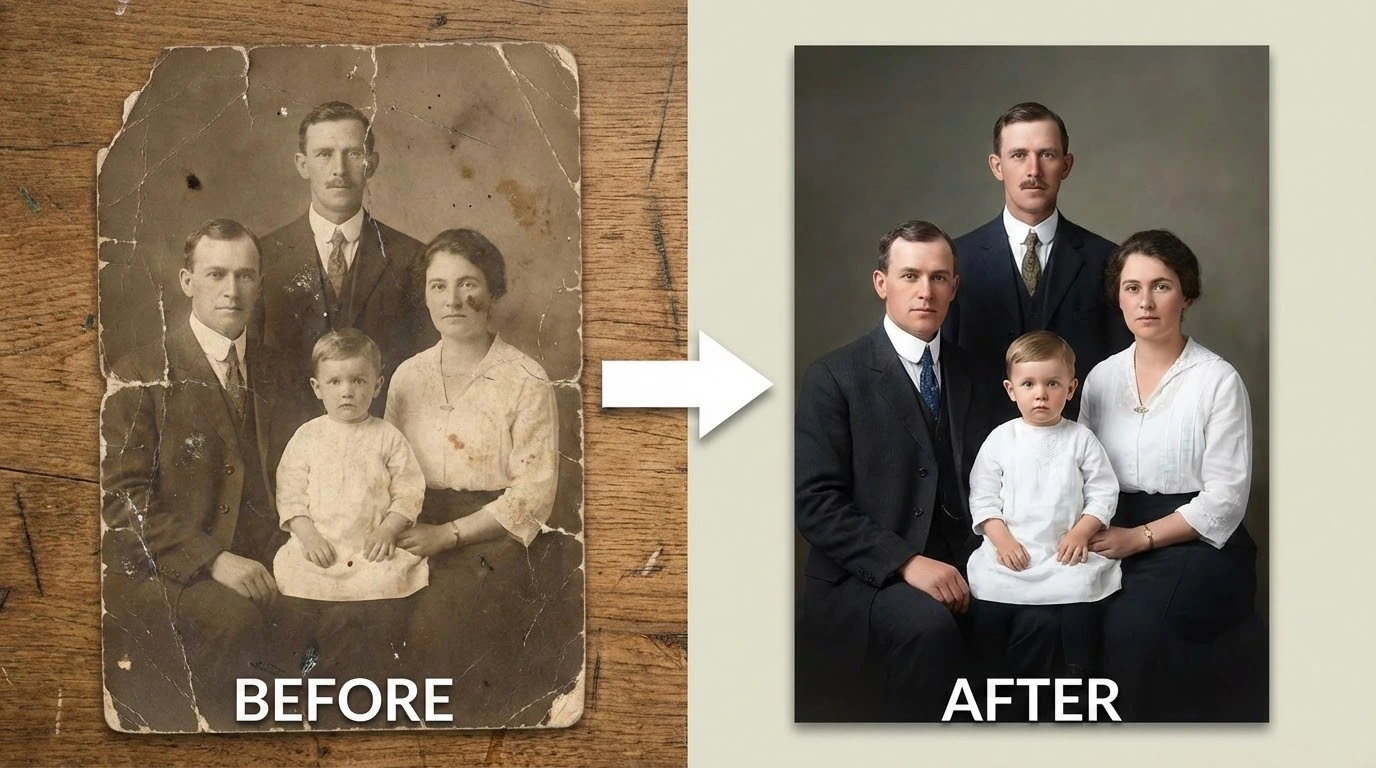
Download Result
Preview the colorized photo and download it in your preferred format. Compare the before and after to see the transformation.
What Users Say About Our AI Photo Colorizer
Thousands of users trust our AI Photo Colorizer to bring their old photos back to life.
I colorized my grandmother's wedding photo from 1952. The skin tones and dress colors look incredibly natural. My whole family was moved to tears.
Sarah M., Family Historian
Sarah M.
Family Historian
I use this AI Photo Colorizer for client projects involving archival photos. The results are consistently accurate and save me hours of manual work.
David L., Photographer
David L.
Photographer
I colorize historical photos for my classroom presentations. Students engage so much more when they see history in color. This tool is a game changer.
Emily R., History Teacher
Emily R.
History Teacher
I've been digitizing old family albums and this colorizer has transformed the experience. Seeing ancestors in color for the first time is incredibly moving. The processing speed is impressive too.
James P., Genealogy Enthusiast
James P.
Genealogy Enthusiast
We used this tool to create colorized versions of archival photographs for a special exhibition. Visitors were fascinated by the before-and-after comparisons. The color accuracy on vintage clothing and architecture was excellent.
Lisa C., Museum Curator
Lisa C.
Museum Curator
I colorize archival footage stills for documentary projects. The AI handles everything from wartime photos to 1960s street scenes with consistent quality. It's become an essential part of my production workflow.
Tom H., Documentary Filmmaker
Tom H.
Documentary Filmmaker
AI Photo Colorizer FAQ
Common questions about colorizing black and white photos with AI.
Try the AI Photo Colorizer — Free to Start
Upload a black and white photo and the AI Photo Colorizer delivers a vibrant, colorized result in seconds. No signup needed for your first colorization.