
AI Image Sharpener
Ready for Generating
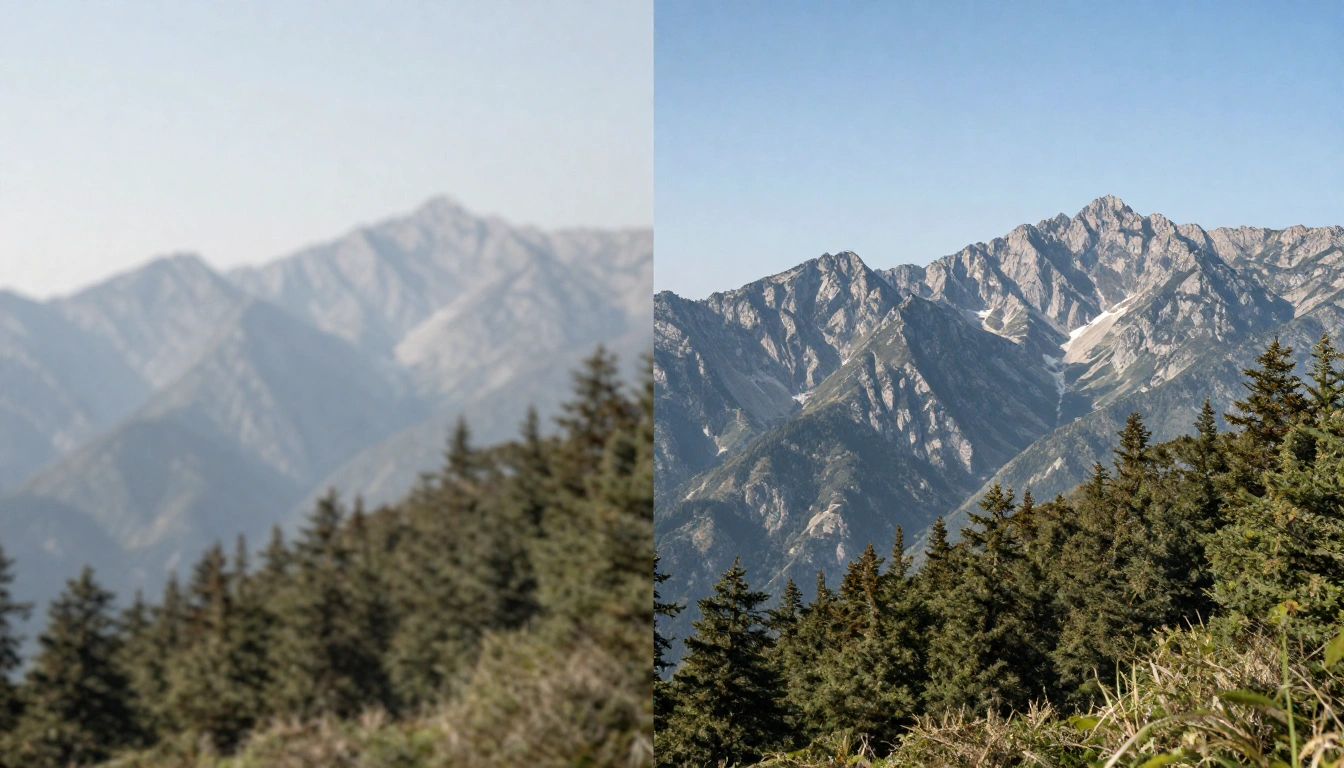
How AI Image Sharpening Works
Our AI Image Sharpener analyzes blurry images, detects edges and textures, and enhances clarity without introducing artifacts.
Intelligent Blur Detection
The AI Image Sharpener scans your photo to identify areas affected by motion blur, camera shake, or soft focus. It distinguishes between intentional bokeh and unwanted blur, ensuring only the right areas are sharpened.
Edge Enhancement & Detail Recovery
Once blur patterns are identified, the AI Image Sharpener reconstructs lost edges and fine details using deep learning models trained on millions of sharp-to-blurry image pairs. Text, textures, and facial features are restored with precision.
Artifact-Free Output
The AI Image Sharpener enhances sharpness while suppressing noise and halo artifacts. The result is a clean, naturally sharp image that looks like it was captured with a better lens — not over-processed.
Why Use Our AI Image Sharpener
The fastest and most reliable way to fix blurry photos and restore image clarity.
Fix Motion Blur Instantly
Upload a photo affected by camera shake or subject movement and get a sharp, clear result in seconds. The AI Image Sharpener reverses motion blur without manual intervention.
Recover Fine Details
Restore details lost to soft focus — hair strands, fabric textures, text on signs, and more. The AI Image Sharpener brings back the detail that matters.
Works with Any Photo
Whether it's a portrait, landscape, product shot, or document scan, the AI Image Sharpener adapts to any image type and delivers natural-looking sharpness enhancement.
High Resolution Output
Get sharpened images in the same resolution as your original upload. No quality loss, no compression artifacts — just enhanced clarity across every pixel.
No Software Installation
Everything runs in your browser. No downloads, no plugins, no desktop software needed. Upload your blurry image, sharpen it, and download the result.
Free to Start
Try the AI Image Sharpener with no account required. Free users get daily credits to process images. Upgrade for higher limits and priority processing.
How to Sharpen Blurry Photos
Three simple steps to restore clarity and sharpness to any photo.
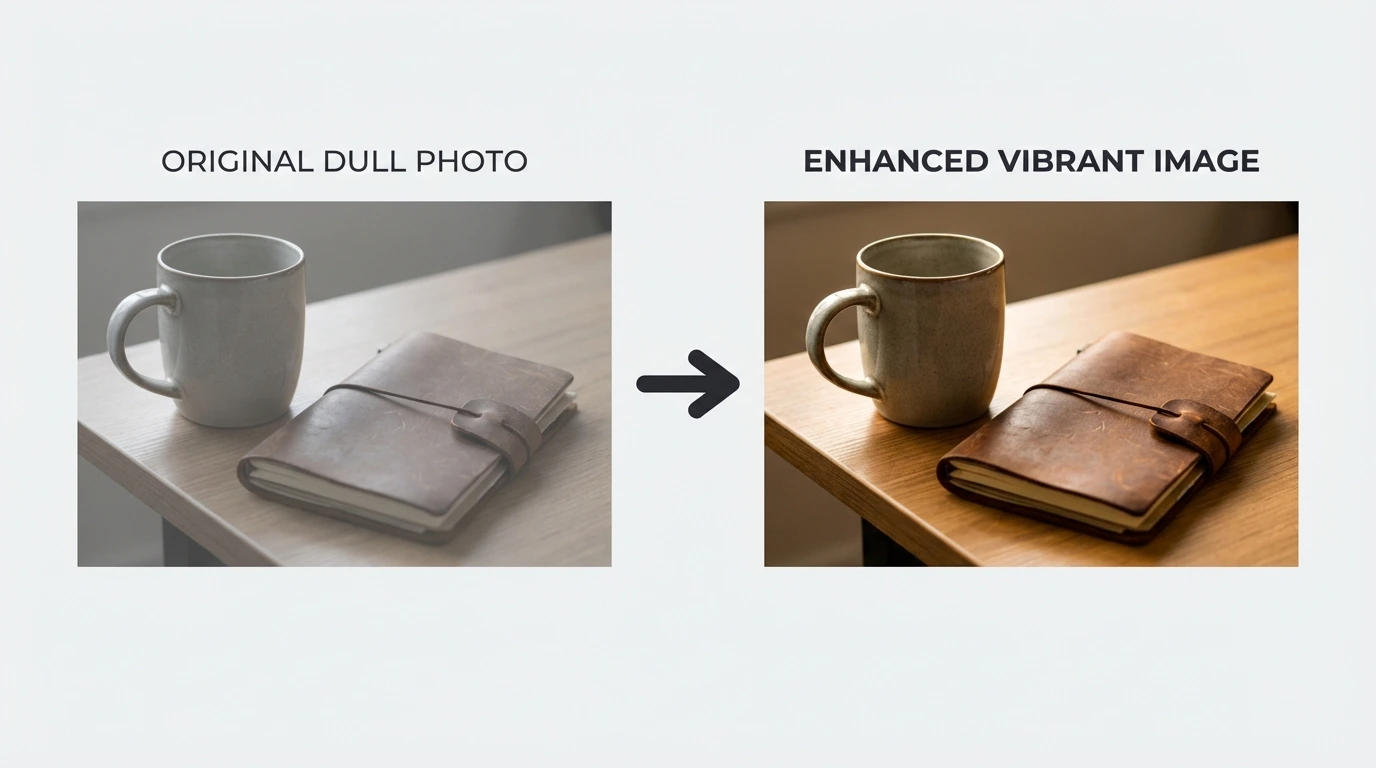
Upload Your Photo
Drag and drop or click to upload your blurry photo. Supports JPG, PNG, and WEBP formats up to 10MB for free users.
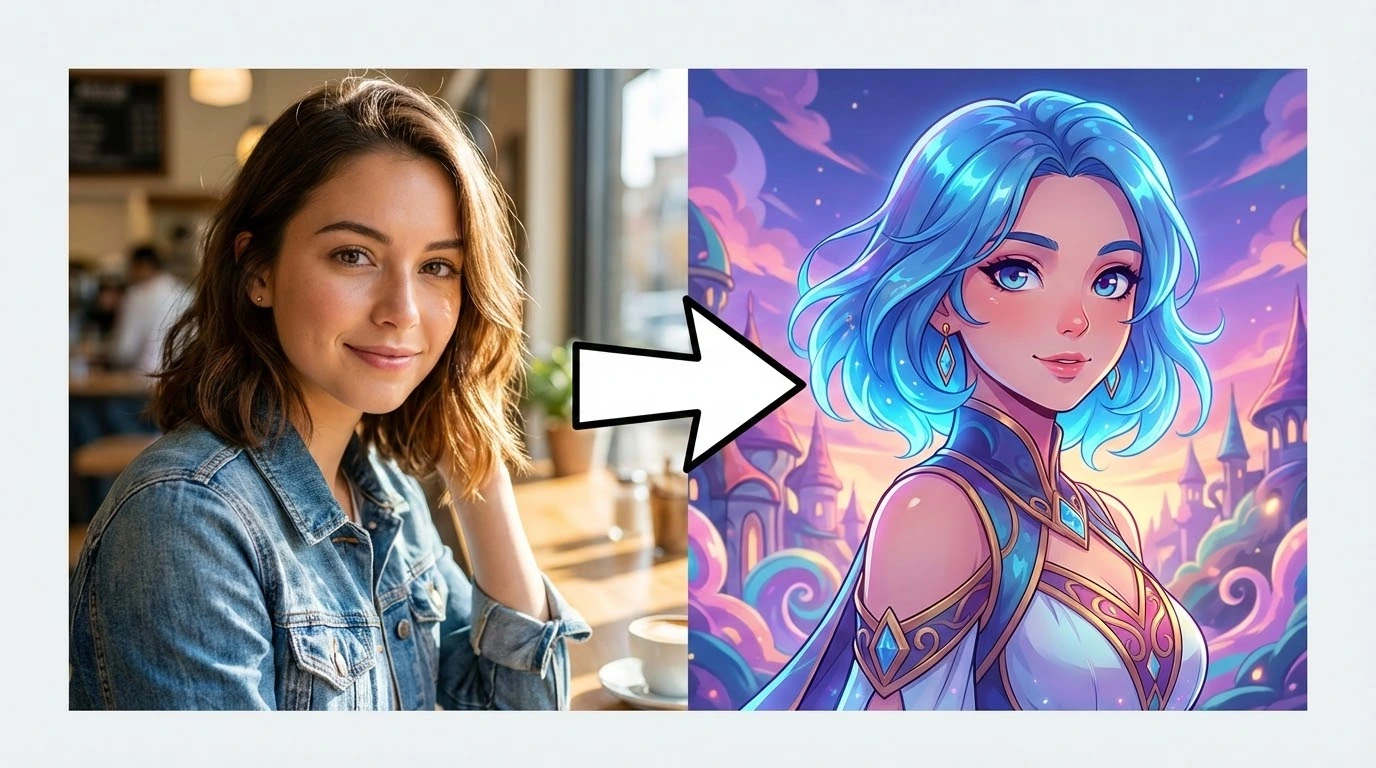
AI Sharpening
The AI Image Sharpener detects blur patterns, reconstructs lost edges, and enhances fine details automatically. Processing completes in seconds.
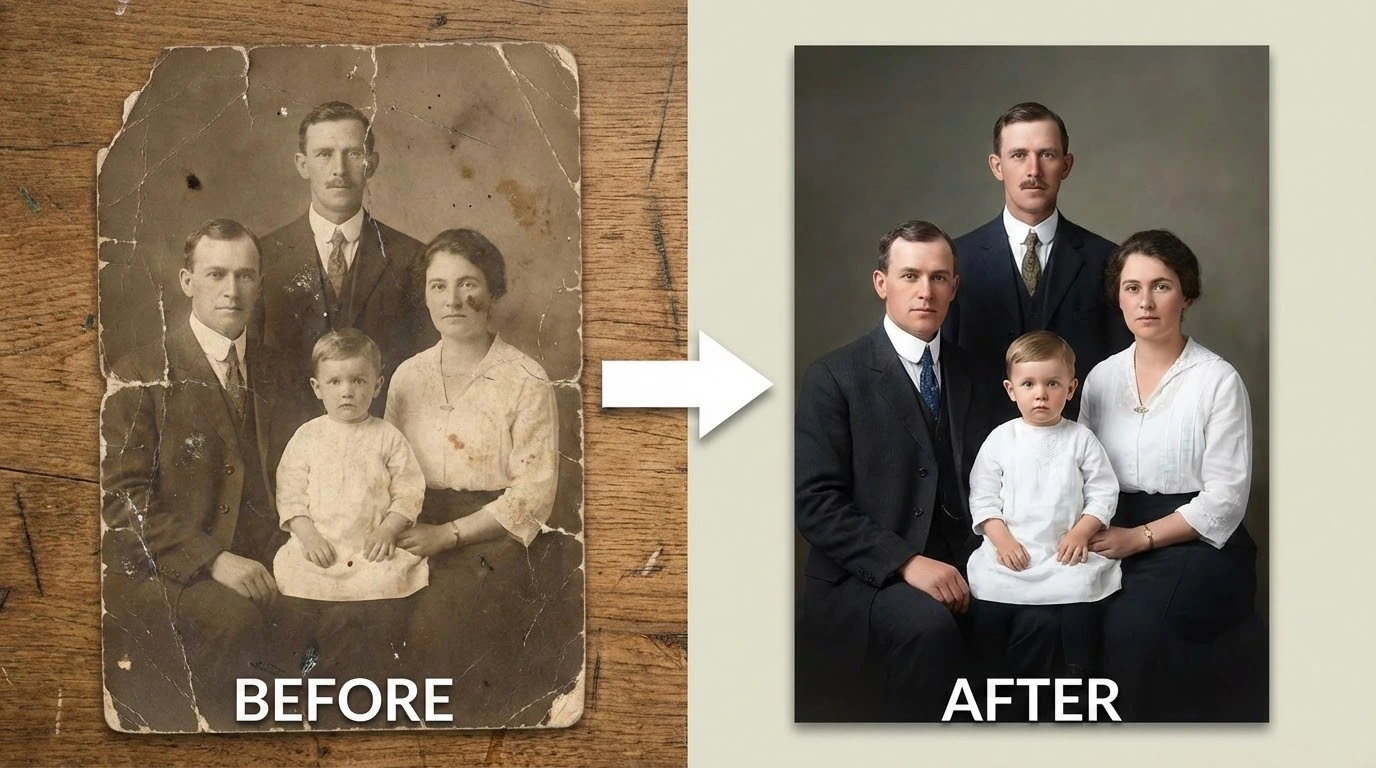
Download Result
Preview the sharpened photo and download it in your preferred format. Compare the before and after to see the improvement.
What Users Say About Our AI Image Sharpener
Thousands of users trust our AI Image Sharpener to rescue their blurry photos.
A few shots from a wedding had slight motion blur. The AI Image Sharpener saved them — the details came back crisp and the clients never knew.
Rachel K., Wedding Photographer
Rachel K.
Wedding Photographer
Product photos need to be razor sharp. This tool fixes slightly soft images so I don't have to reshoot. It's saved me hours of work.
Mark T., E-commerce Seller
Mark T.
E-commerce Seller
I shoot a lot of handheld photos while traveling. Some come out blurry from camera shake. The AI Image Sharpener fixes them so well that I can still use them in my blog posts.
Jennifer W., Travel Blogger
Jennifer W.
Travel Blogger
Property photos must be clear and sharp. When lighting conditions aren't ideal, the AI Image Sharpener rescues my photos without me needing to book a reshoot.
Carlos D., Real Estate Agent
Carlos D.
Real Estate Agent
Our team shoots fast and sometimes the images aren't perfectly focused. This sharpener makes our social content look professional every time.
Amy Z., Social Media Manager
Amy Z.
Social Media Manager
Client assets often arrive blurry or low quality. The AI Image Sharpener cleans them up so I can use them in high-res print and digital designs.
Brian F., Graphic Designer
Brian F.
Graphic Designer
AI Image Sharpener FAQ
Common questions about sharpening blurry photos with AI.
Try the AI Image Sharpener — Free to Start
Upload a blurry photo and the AI Image Sharpener delivers a crisp, sharp result in seconds. No signup needed for your first sharpening.