
AI Image Combiner
Ready for Generating
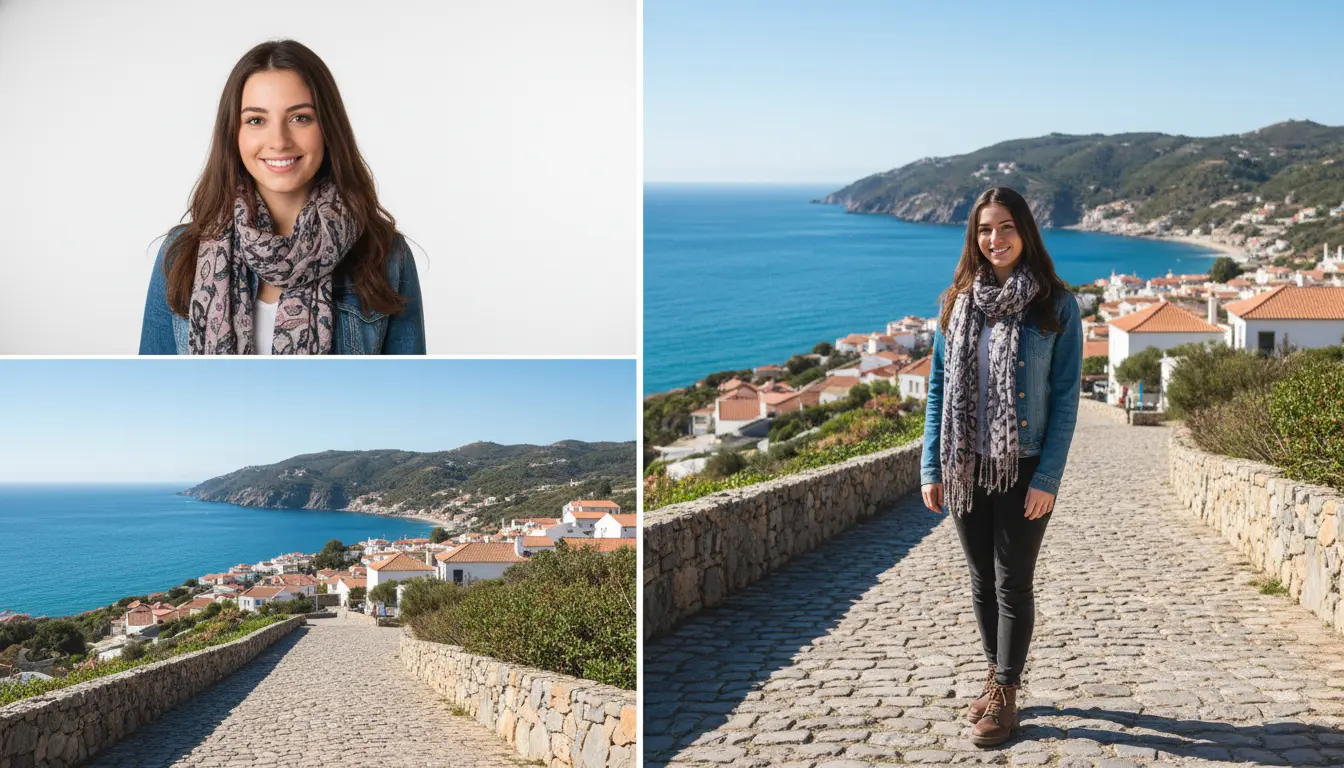
How AI Image Combining Works
Our AI Image Combiner analyzes your photos and intelligently merges them with optimal layout, seamless transitions, and balanced composition.
Smart Layout Detection
The AI Image Combiner analyzes your photos to determine the best arrangement - horizontal, vertical, grid, or custom layout. It considers image dimensions, aspect ratios, and content to create the most visually appealing combination.
Intelligent Blending and Alignment
The AI Image Combiner automatically aligns images, matches colors and lighting across photos, and applies seamless blending at borders. It ensures all combined images look cohesive and professionally merged.
Final Composition and Export
The AI Image Combiner creates a unified final image with balanced composition, proper spacing, and optimal resolution. Export your combined photo in high quality for any use case.
Why Use Our AI Image Combiner
A powerful AI Image Combiner that merges multiple photos seamlessly with professional results every time.
Multiple Layout Options
The AI Image Combiner offers various layouts: side-by-side horizontal, vertical stack, grid collage, custom arrangements, and more. Choose the perfect layout for your needs or let AI decide automatically.
Seamless Blending
Unlike basic photo stitching tools, our AI Image Combiner intelligently blends edges, matches colors, and balances lighting across all images for professional-looking results with no visible seams.
Perfect for Comparisons
Create before/after photos, product comparisons, progress photos, or side-by-side analysis images. The AI Image Combiner ensures perfect alignment and consistent presentation.
Social Media Ready
Combine images for Instagram carousels, Facebook posts, Twitter threads, or Pinterest pins. The AI Image Combiner outputs images optimized for social media dimensions and formats.
Batch Processing Support
Combine multiple sets of images at once. The AI Image Combiner can process several photo groups simultaneously, saving time when creating multiple merged images.
Customizable Spacing and Borders
Adjust spacing between images, add borders, customize padding, and control layout parameters. The AI Image Combiner gives you flexibility while maintaining smart defaults.
Combine Images in 3 Steps with AI Image Combiner
Merge multiple photos into one with a simple process.
Upload Your Images
Select 2 or more photos to combine. The AI Image Combiner supports JPG, PNG, and WebP formats up to 10MB per image.
Choose Layout and Settings
Pick a layout (horizontal, vertical, grid) or let AI choose automatically. Adjust spacing, borders, and alignment as needed.
Download Combined Image
The AI Image Combiner merges your photos in seconds. Preview the result and download your professionally combined image instantly.
What Users Say About AI Image Combiner
Hear from content creators, marketers, and professionals who use our AI Image Combiner daily.
The AI Image Combiner is perfect for creating product comparison images. I can combine multiple product shots into one image in seconds - much faster than manually editing in Photoshop. The alignment is always perfect.
Jessica Martinez, E-commerce Manager
Jessica Martinez
E-commerce Manager
I use this AI Image Combiner to create before/after transformation photos for clients. The side-by-side layout looks professional and the color matching between old and new photos is impressive. It's become essential for my social media.
David Thompson, Fitness Coach
David Thompson
Fitness Coach
Creating photo collages for blog posts used to take forever. The AI Image Combiner does it in seconds with beautiful layouts. The grid option is perfect for showcasing multiple destinations in one shareable image.
Rachel Kim, Travel Blogger
Rachel Kim
Travel Blogger
AI Image Combiner FAQ
Common questions about using our AI Image Combiner tool.
Start Combining Your Images with AI
Create professional photo combinations, comparisons, and collages in seconds.